Synchresis Solutions Solutions

Voice · Infrastructure · Applications

Built and run on our own stack

  • Home
    • SynchresisVM
    • SyncPBX
    • SyncPhone
    • ParenText
  • Web Solutions
    • Voice Solutions
    • Cloud PBX
    • Cloud Fax
    • Voice Over
    • Quality Statement
    • SyncPBX
  • Technical Solutions
  • Screenshots
  • Contact Us

Screenshots

A closer look at the software we build

SyncPBX

The phone system.
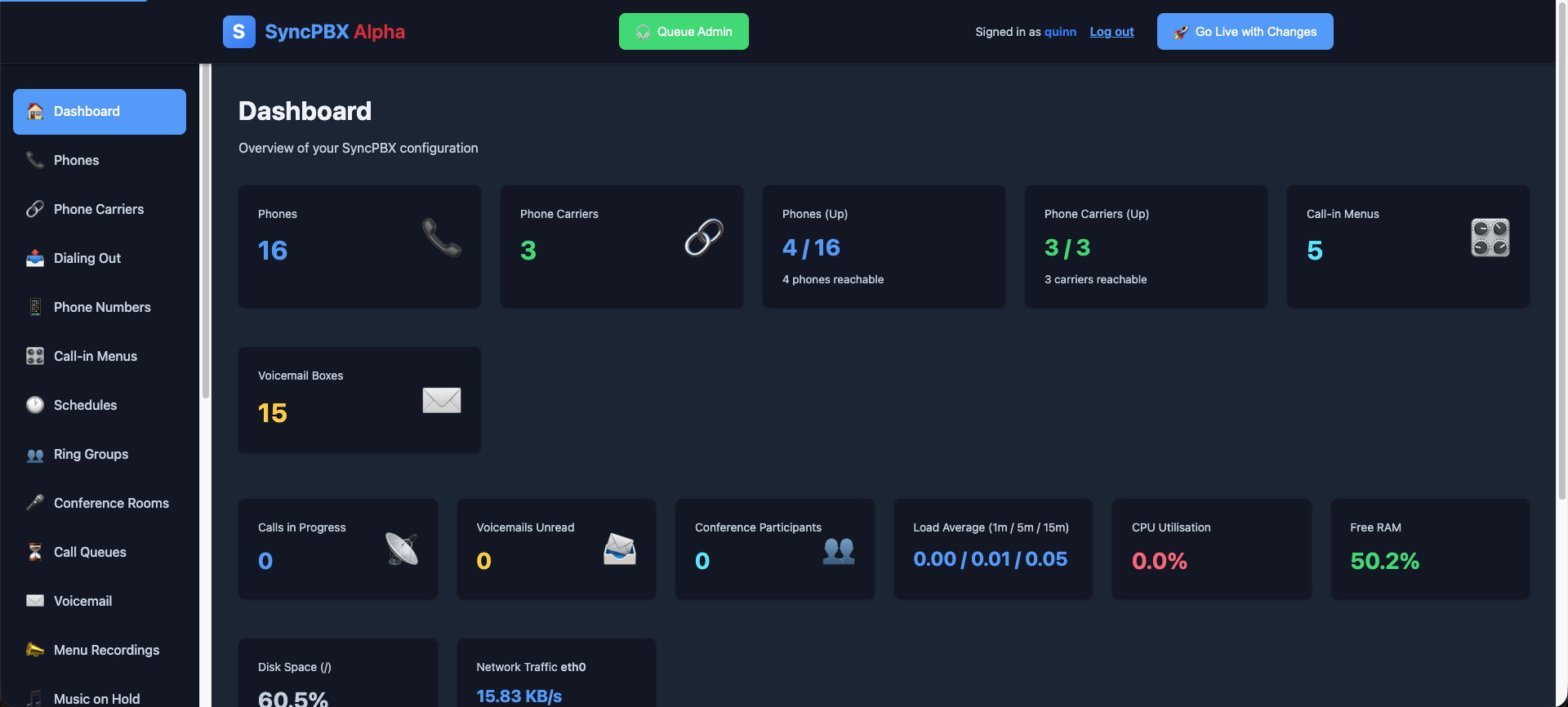
Dashboard — Live view of phones, carriers, voicemail and calls in progress.
Dashboard

Live view of phones, carriers, voicemail and calls in progress.

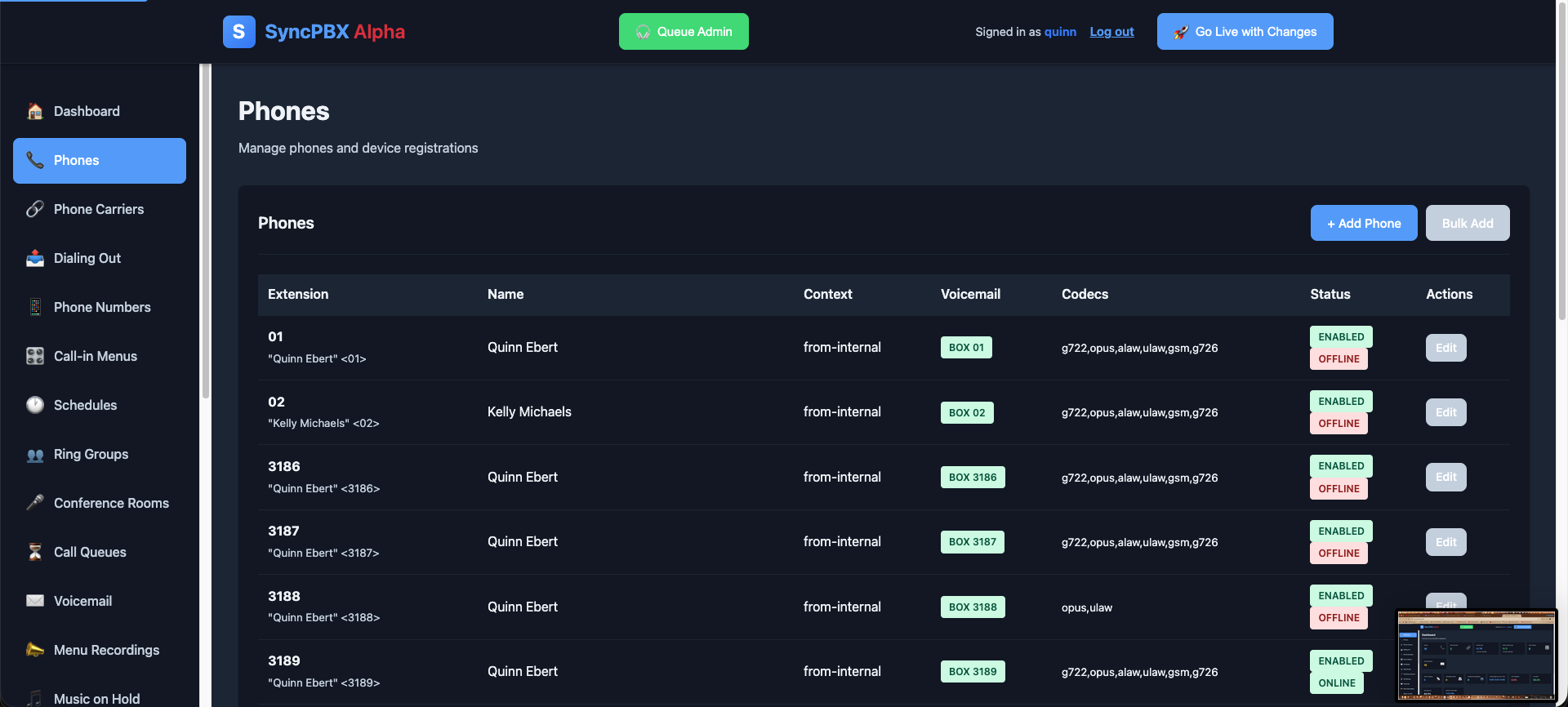
Phones — Extensions, voicemail boxes and codec settings for every device.
Phones

Extensions, voicemail boxes and codec settings for every device.

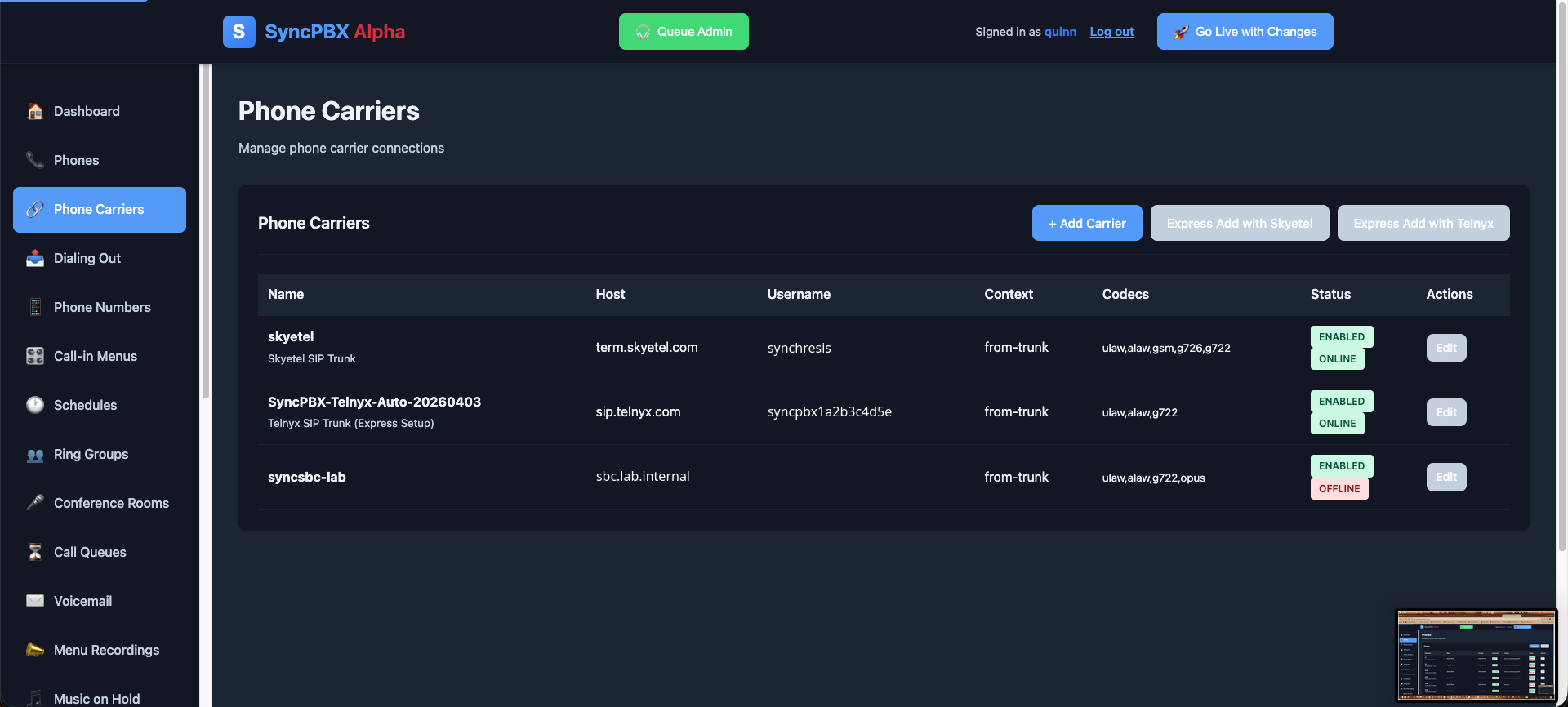
Phone carriers — SIP trunks with per-carrier codecs and live reachability.
Phone carriers

SIP trunks with per-carrier codecs and live reachability.

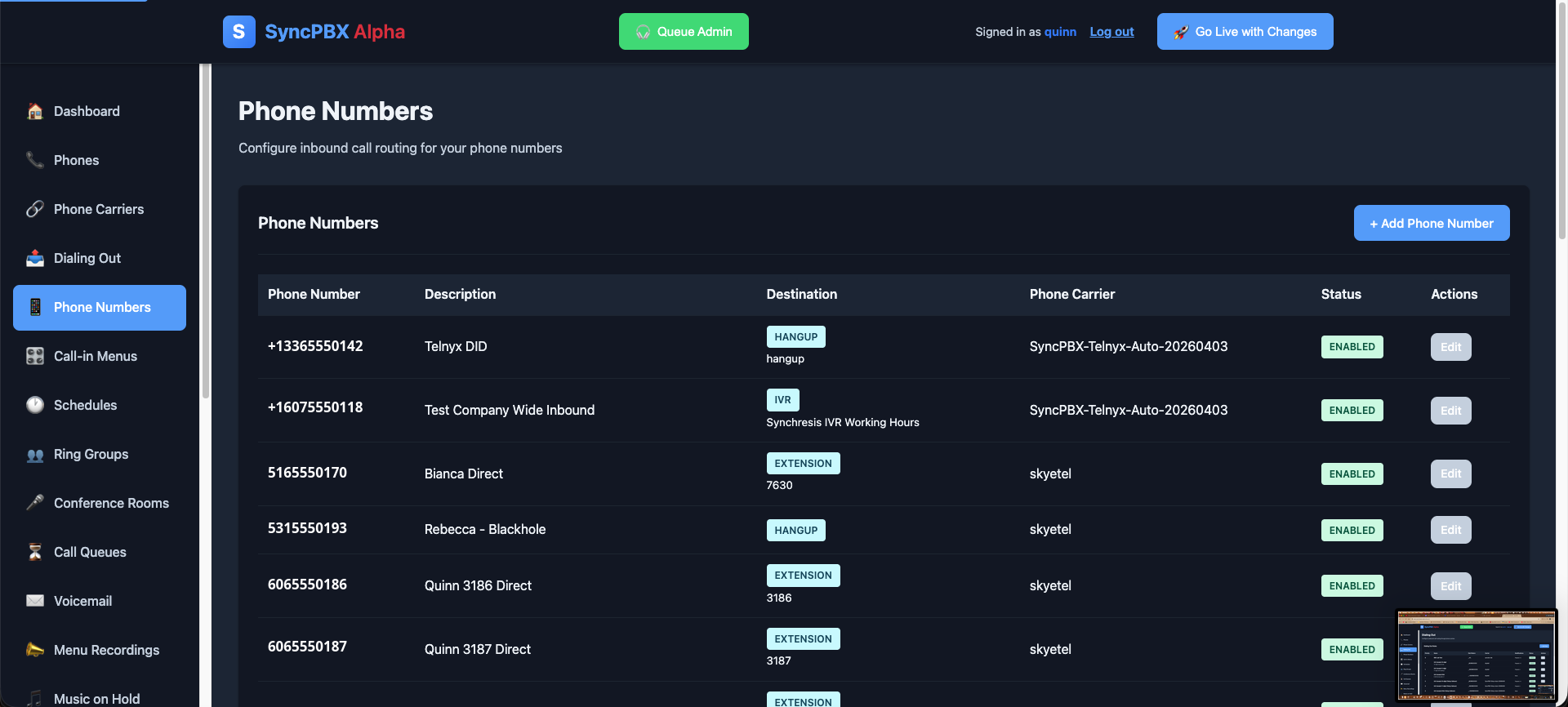
Phone numbers — Inbound routing for each number: straight to an extension, an IVR, or a hangup.
Phone numbers

Inbound routing for each number: straight to an extension, an IVR, or a hangup.

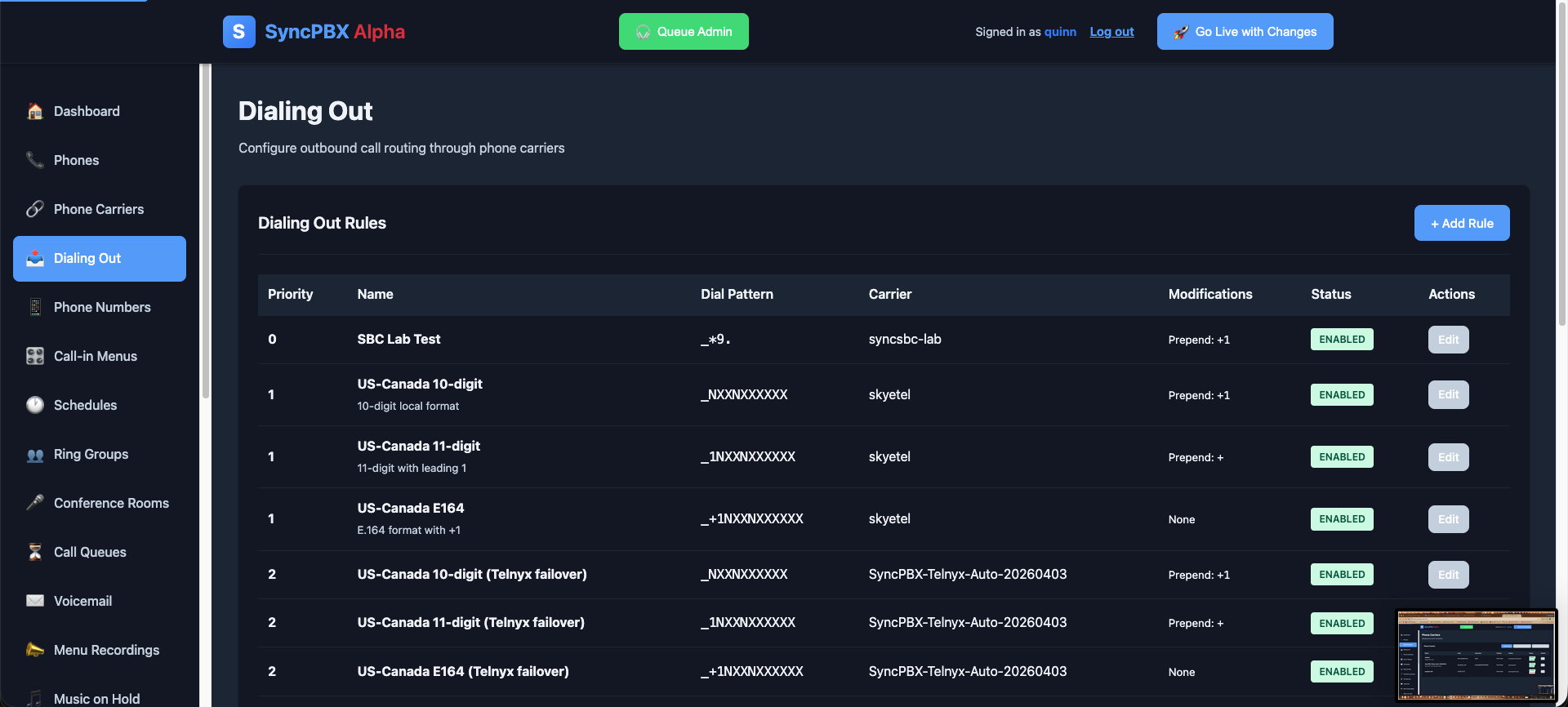
Dialing out — Prioritised outbound rules with dial patterns and automatic carrier failover.
Dialing out

Prioritised outbound rules with dial patterns and automatic carrier failover.

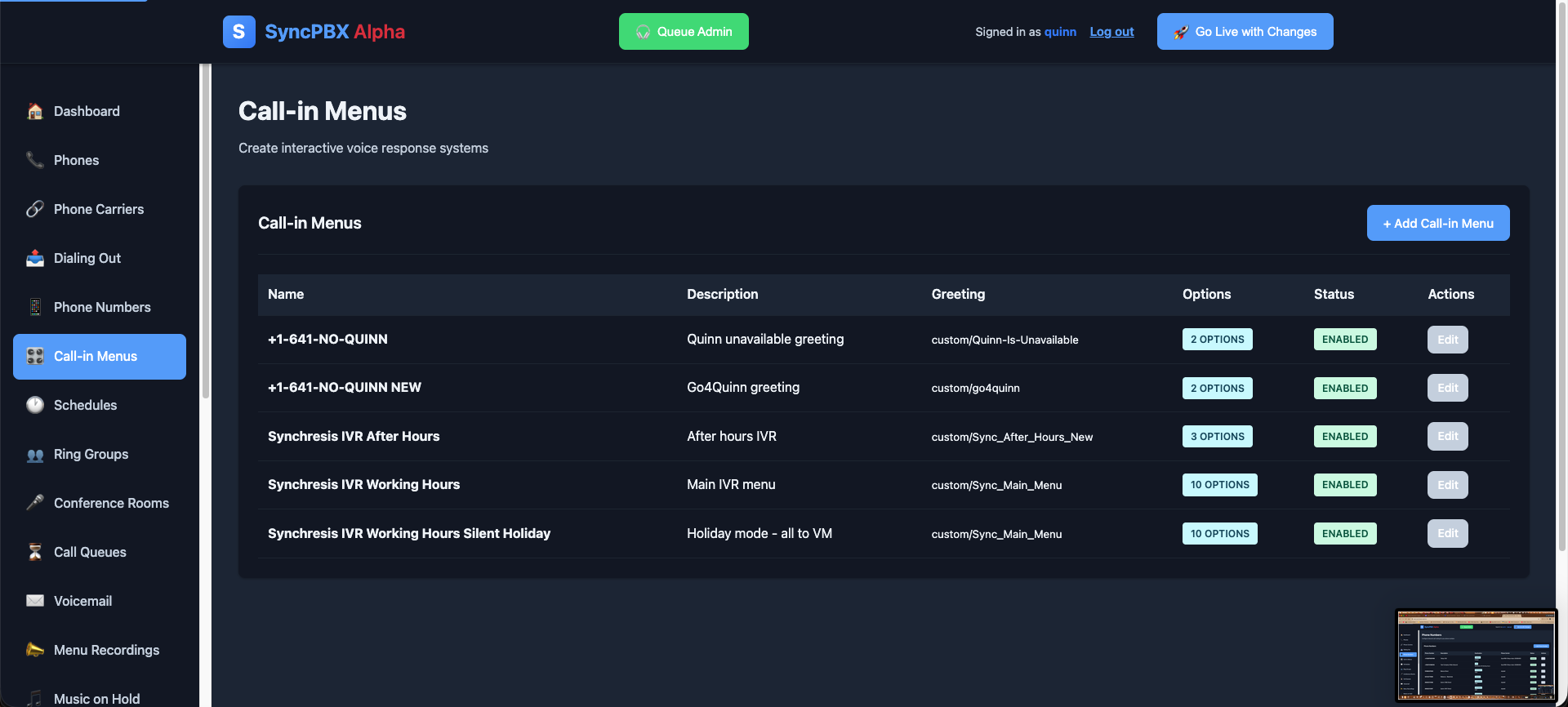
Call-in menus — IVR trees with recorded greetings, and separate working-hours and after-hours flows.

Call-in menus

IVR trees with recorded greetings, and separate working-hours and after-hours flows.
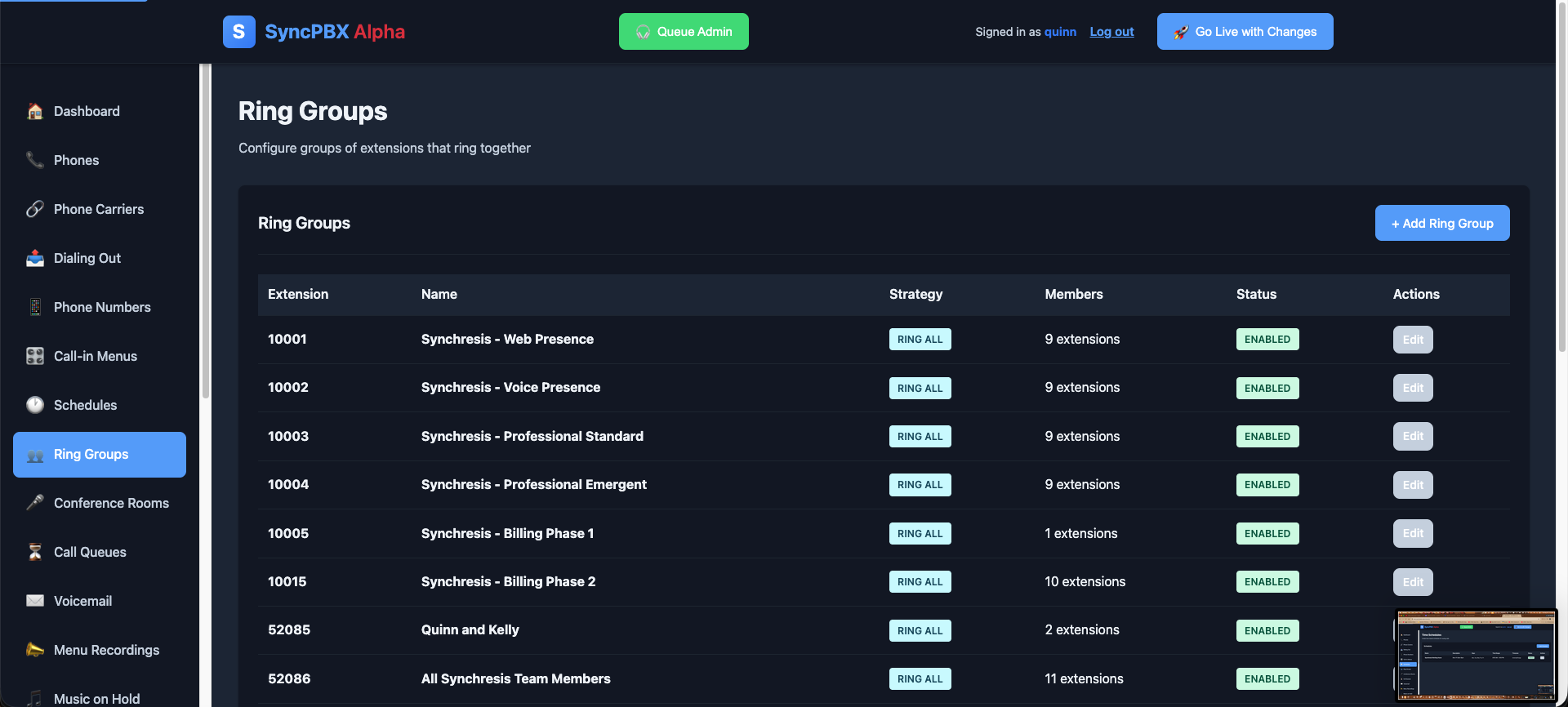
Ring groups — Groups of extensions that ring together.
Ring groups

Groups of extensions that ring together.

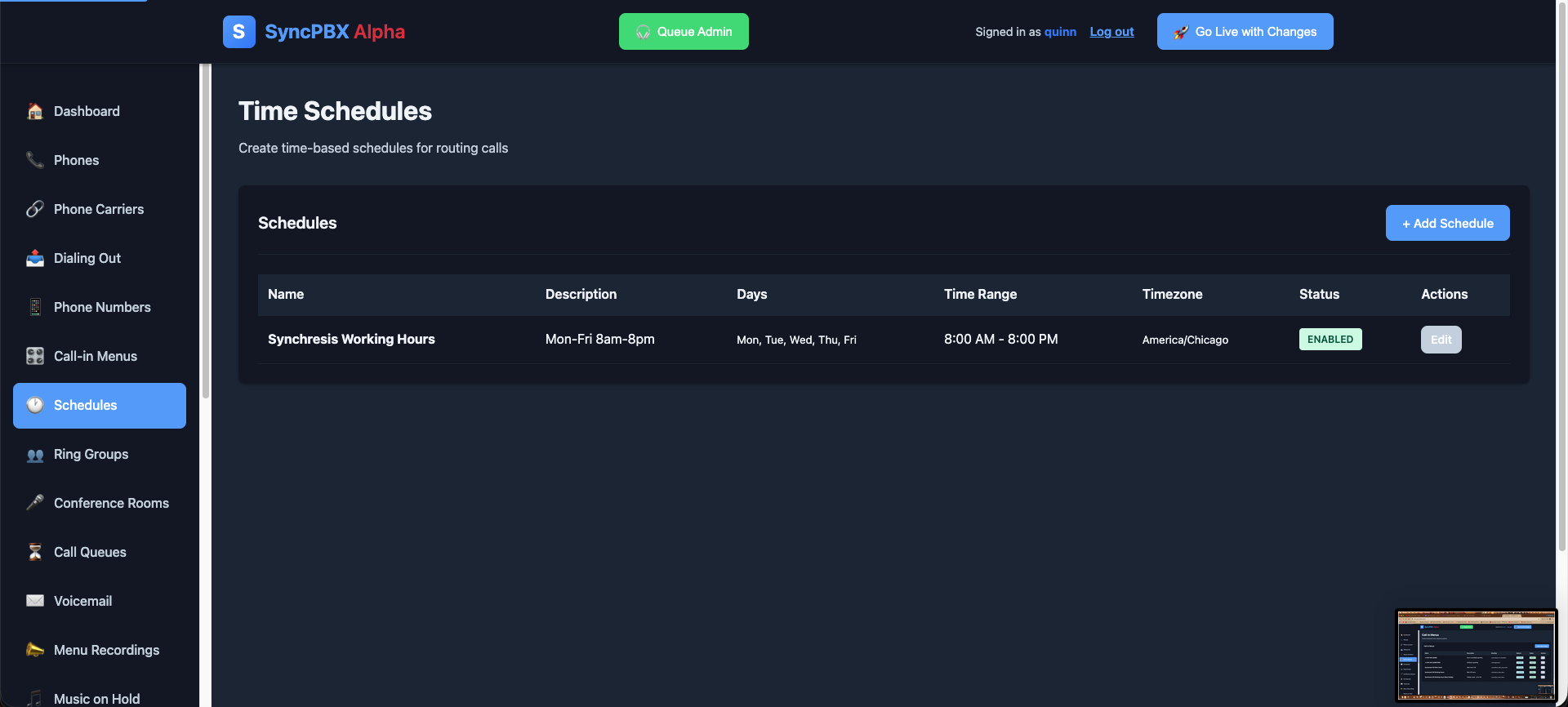
Schedules — Time-of-day and holiday schedules that switch routing automatically.
Schedules

Time-of-day and holiday schedules that switch routing automatically.

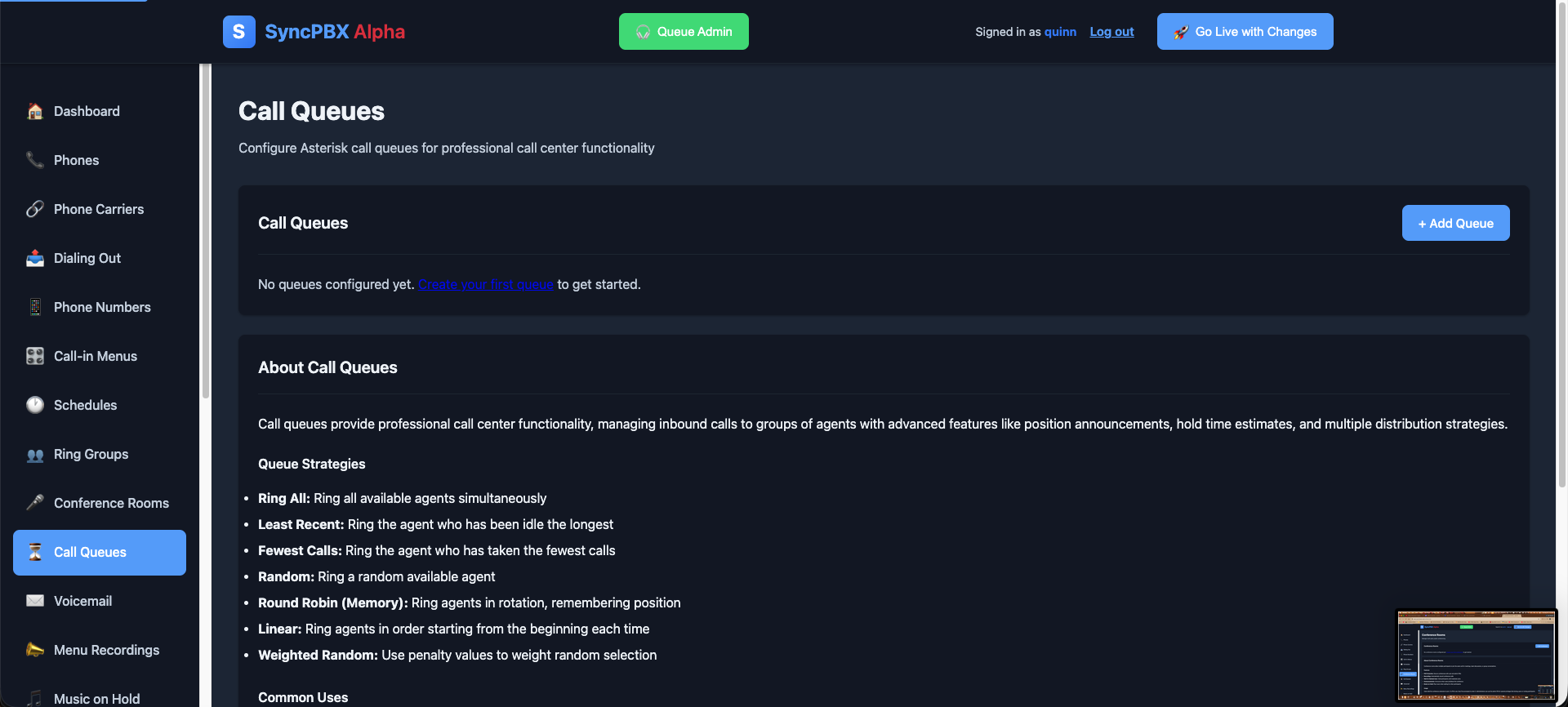
Call queues — Queues with agents, hold music and overflow handling.
Call queues

Queues with agents, hold music and overflow handling.

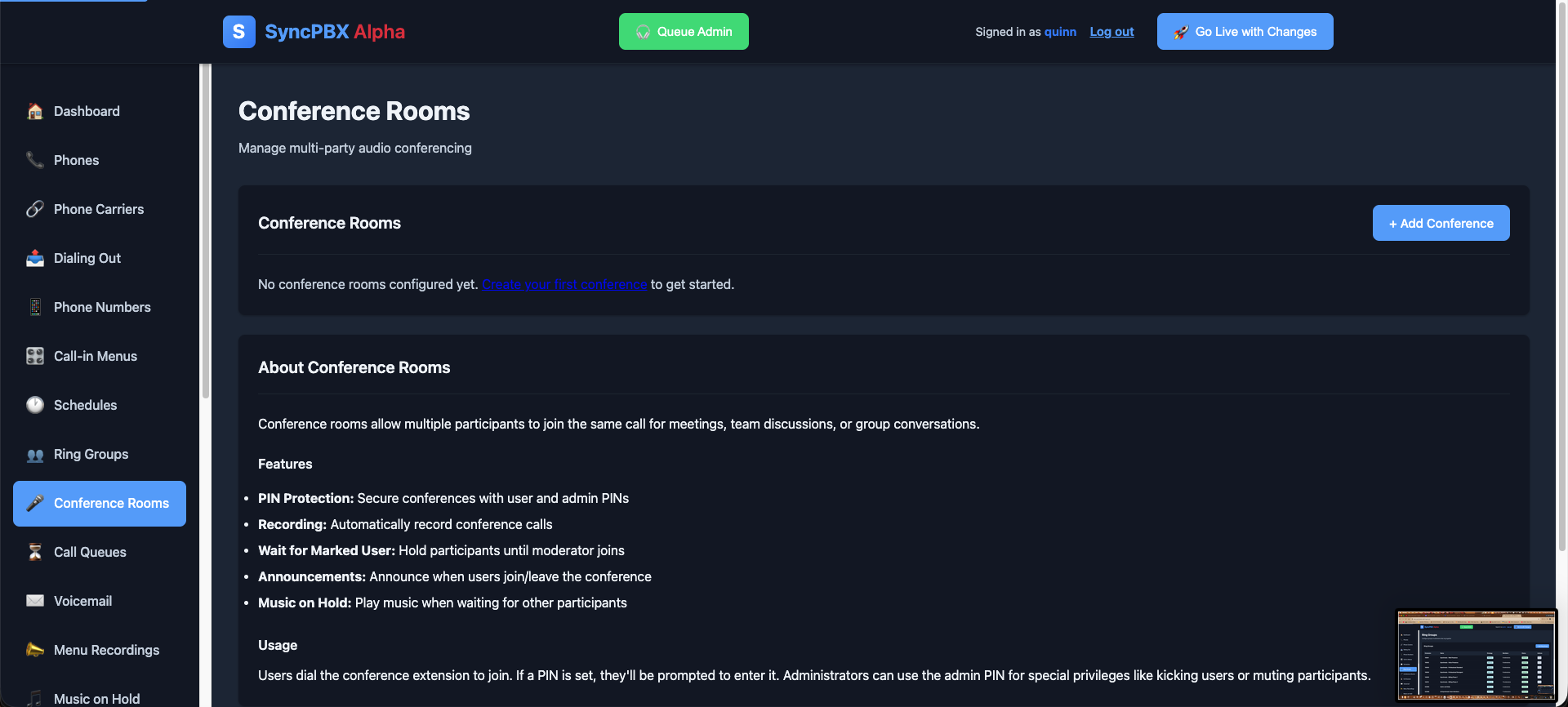
Conference rooms — Persistent conference bridges for scheduled and ad-hoc calls.

Conference rooms

Persistent conference bridges for scheduled and ad-hoc calls.

SynchresisVM

The hypervisor.
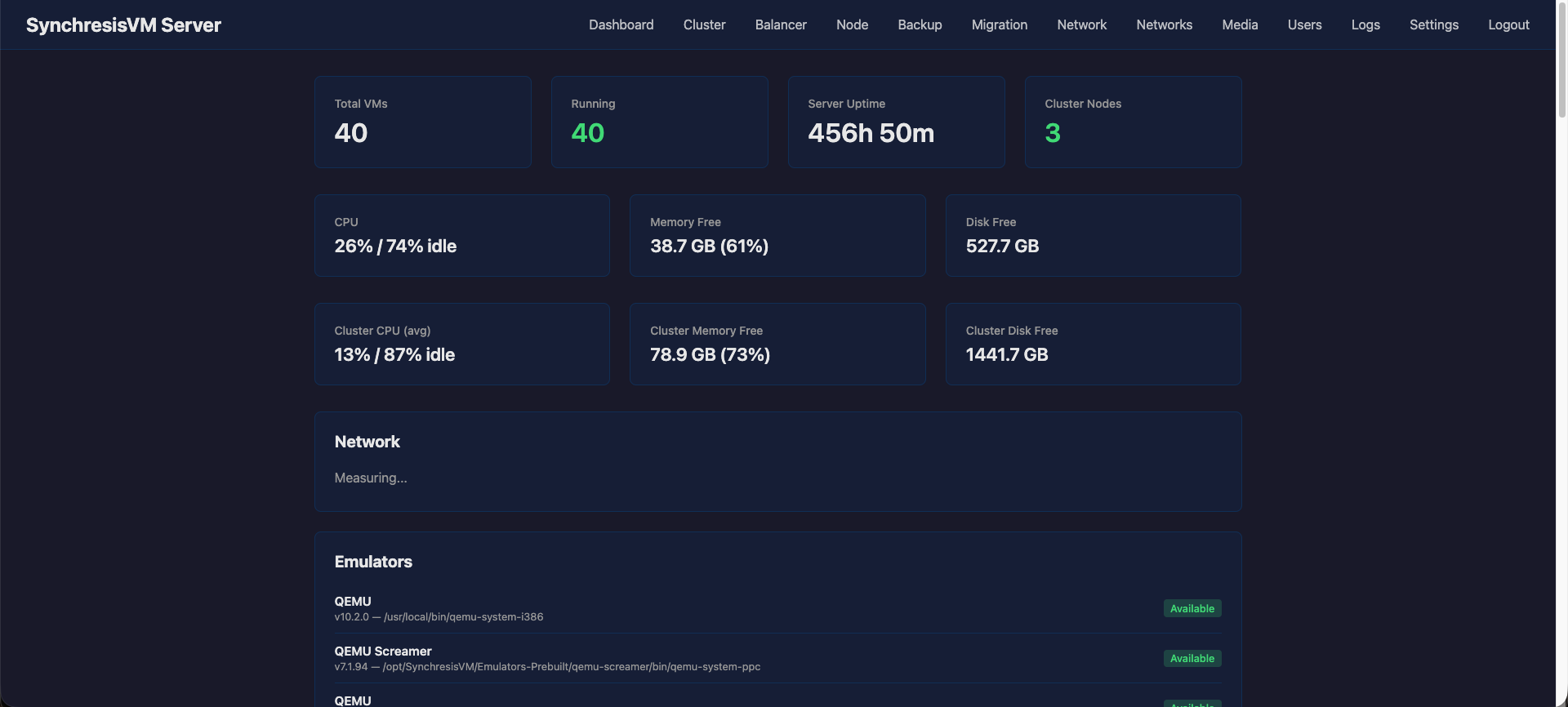
Dashboard — Cluster-wide CPU, memory and disk at a glance, with the available emulators.
Dashboard

Cluster-wide CPU, memory and disk at a glance, with the available emulators.

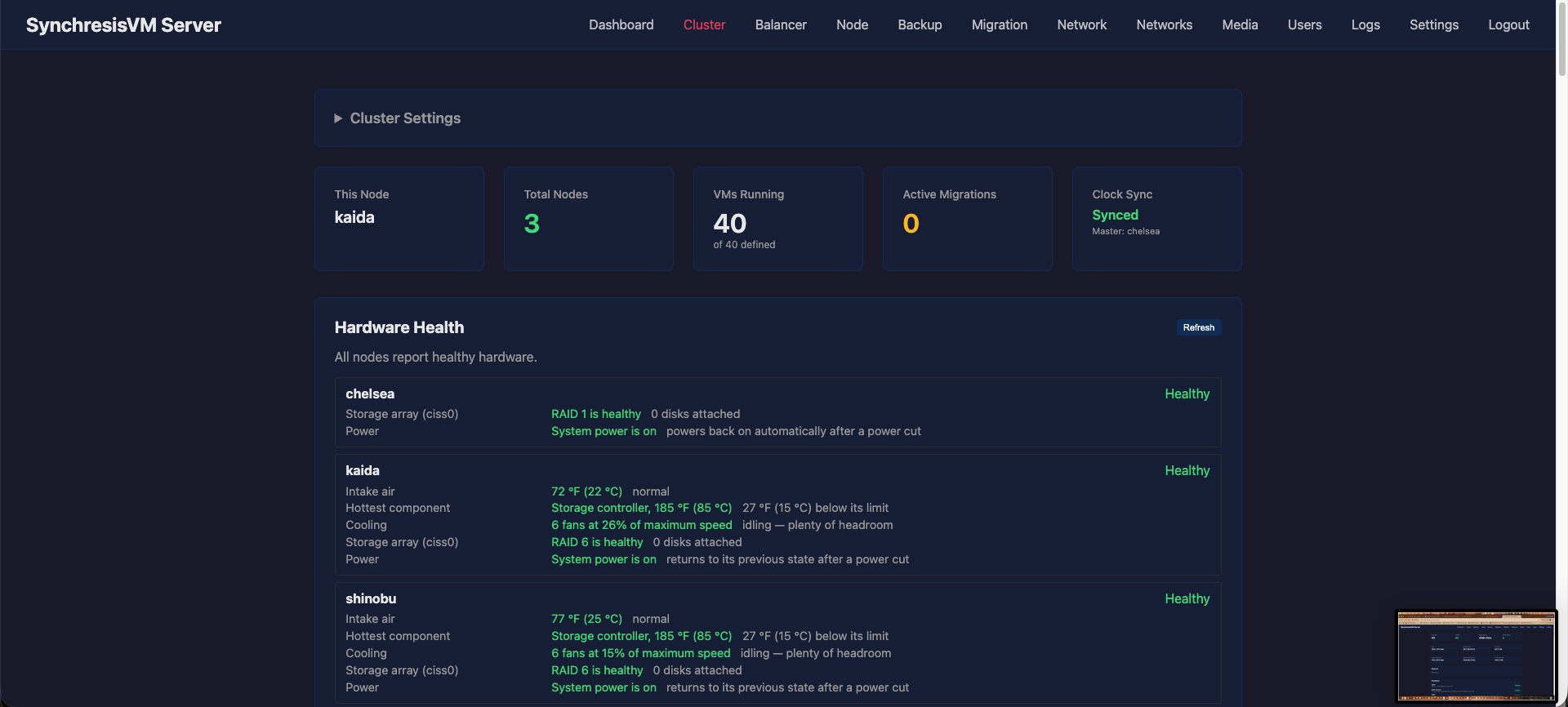
Cluster — Per-node hardware health: temperatures, fans, RAID and power state.
Cluster

Per-node hardware health: temperatures, fans, RAID and power state.

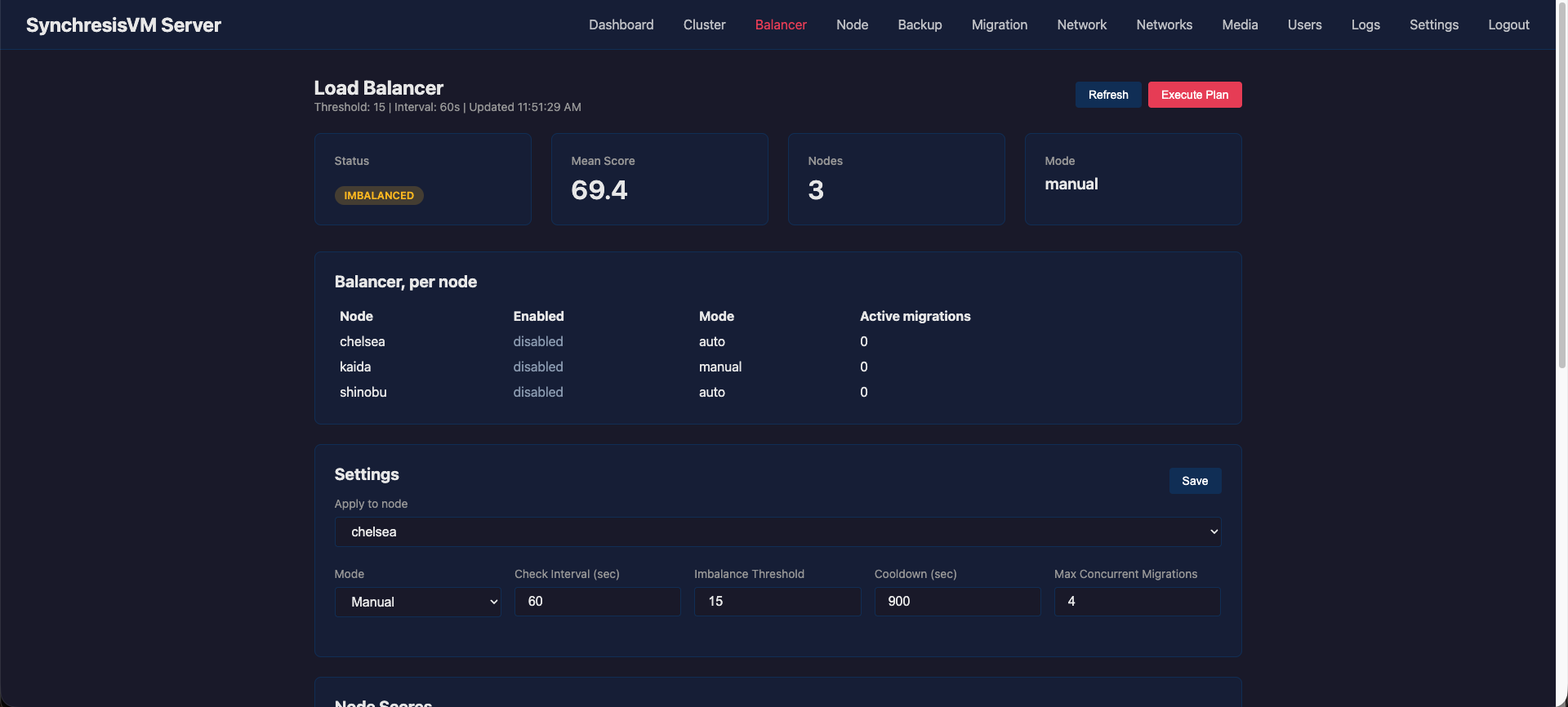
Load balancer — Scores each node and proposes migrations, manually or automatically.
Load balancer

Scores each node and proposes migrations, manually or automatically.

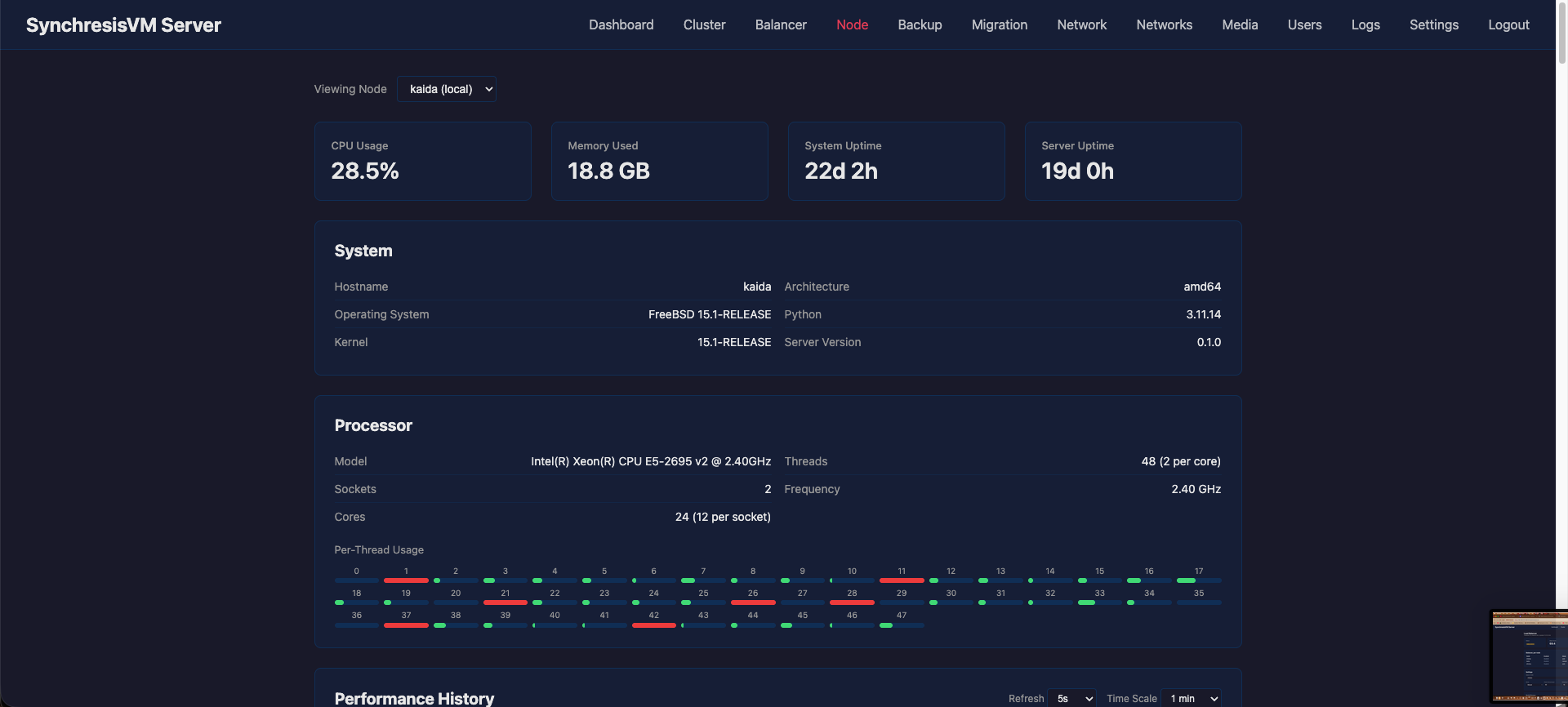
Node — Per-thread CPU usage and system detail for a single host.
Node

Per-thread CPU usage and system detail for a single host.

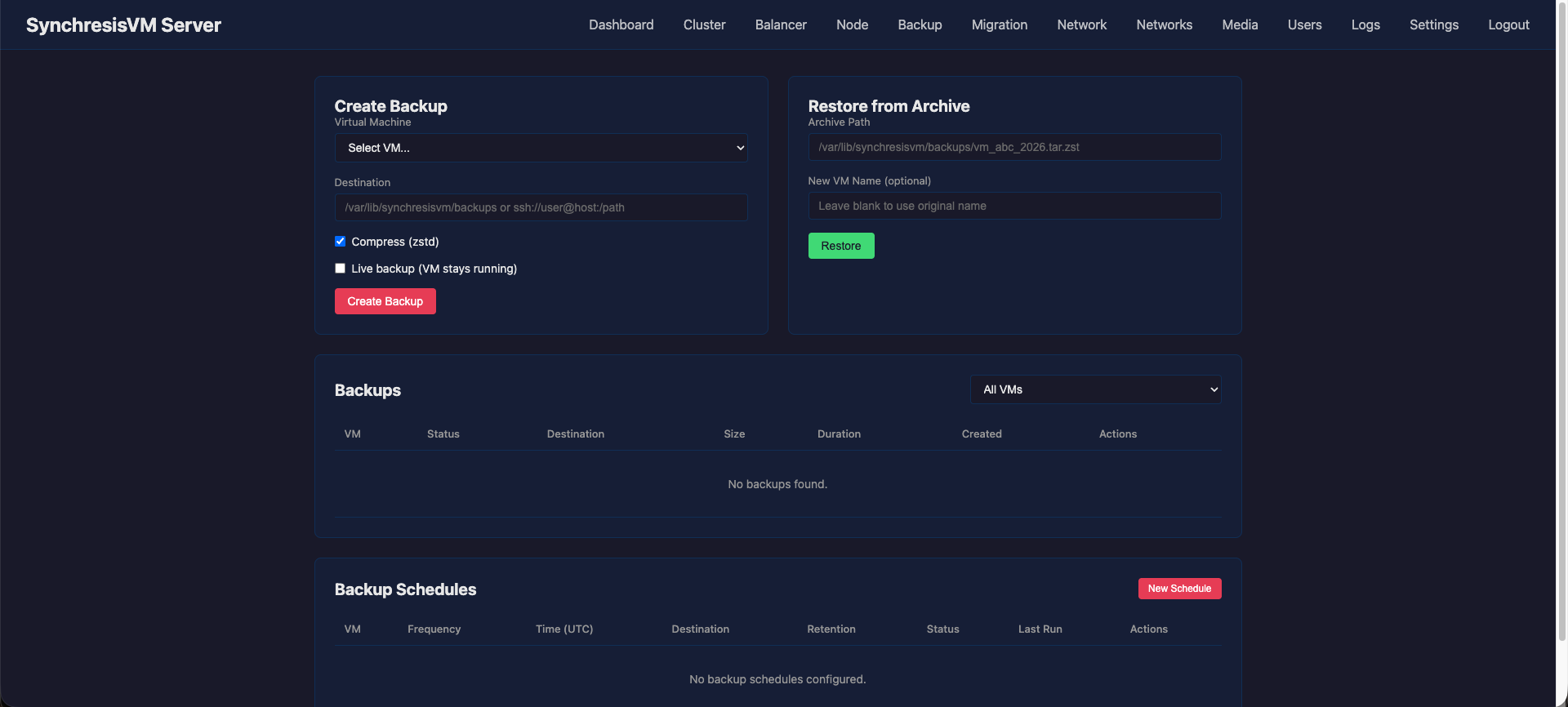
Backup — Live or cold backups, compressed, on a schedule or on demand.
Backup

Live or cold backups, compressed, on a schedule or on demand.

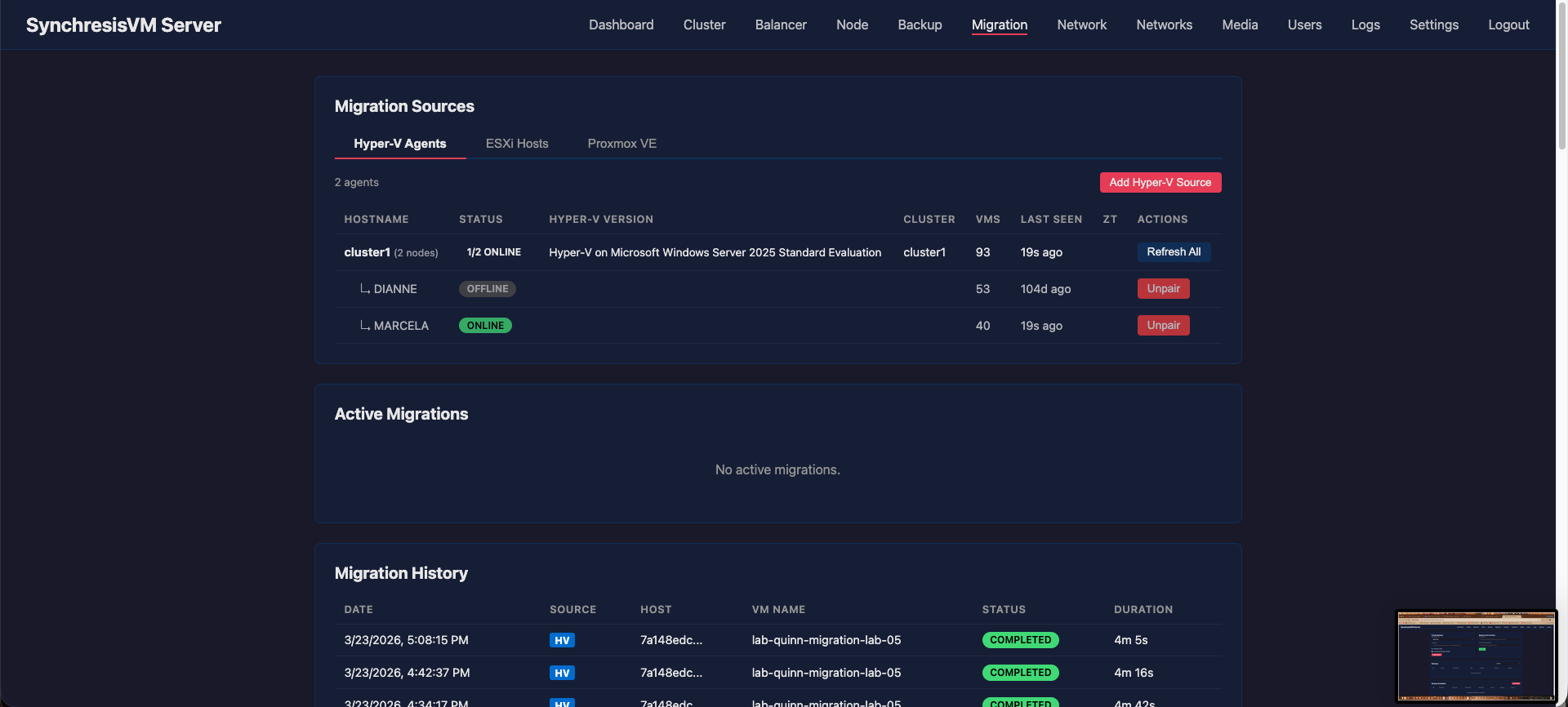
Migration — Imports running guests from Hyper-V, ESXi and Proxmox.
Migration

Imports running guests from Hyper-V, ESXi and Proxmox.

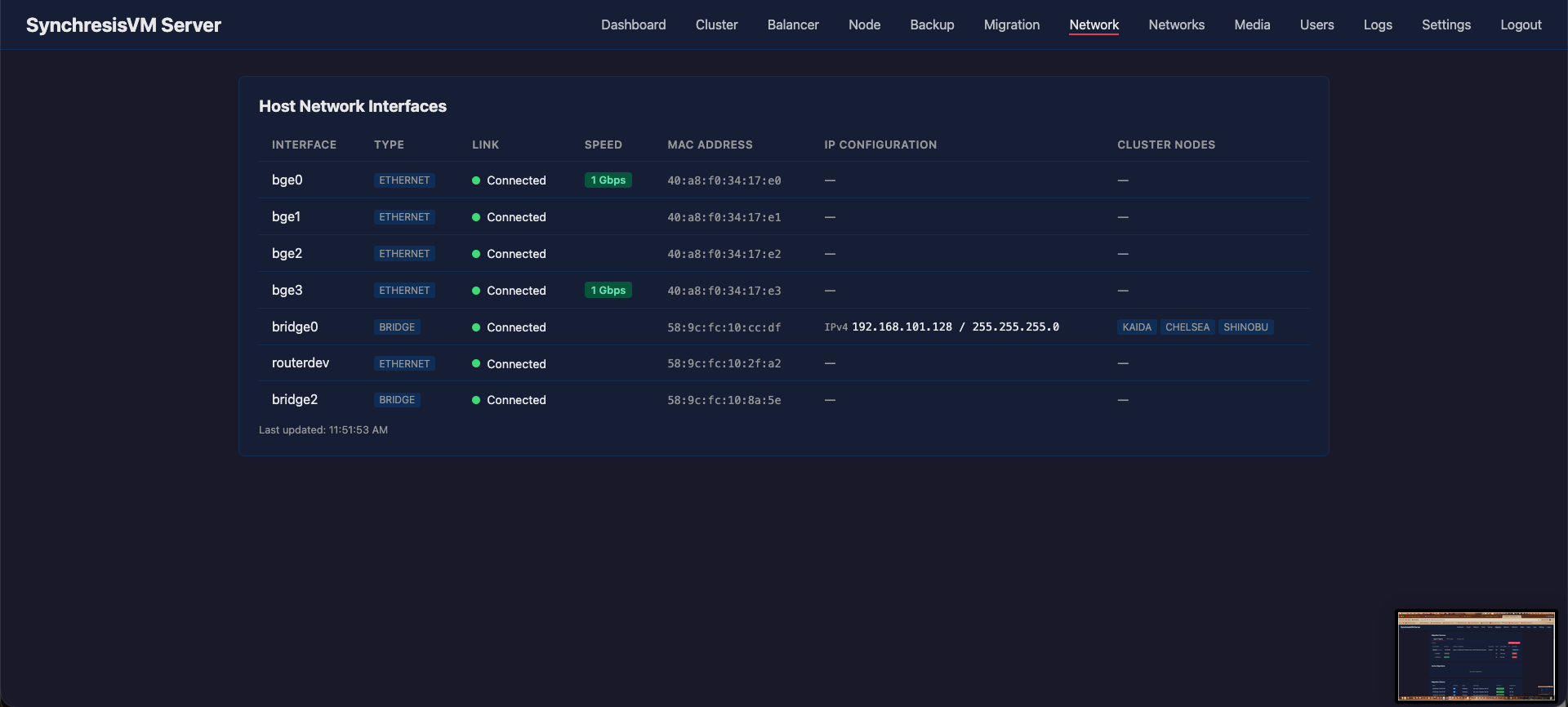
Network — Physical interfaces, link speed and which bridges carry the cluster.
Network

Physical interfaces, link speed and which bridges carry the cluster.

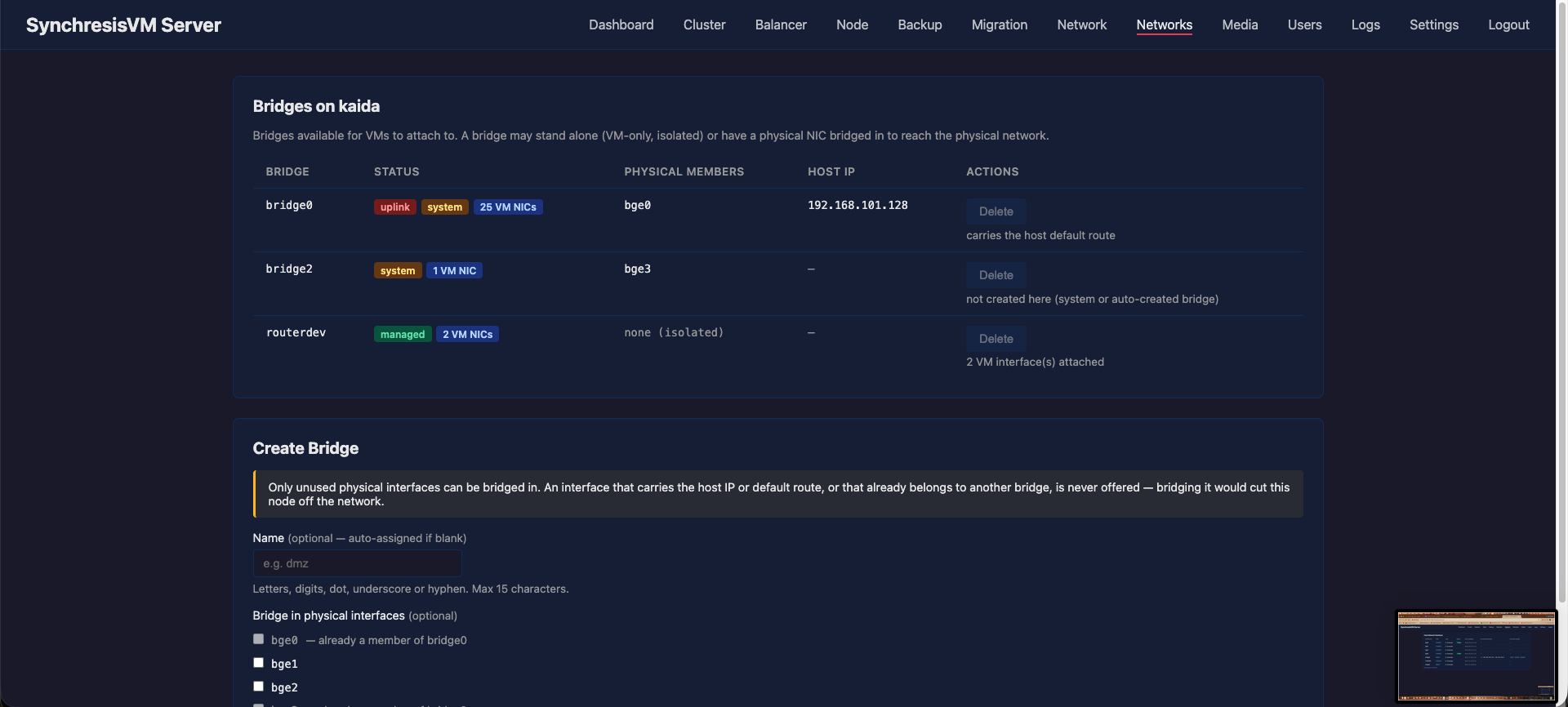
Bridges — Create and manage bridges without cutting the host off the network.
Bridges

Create and manage bridges without cutting the host off the network.

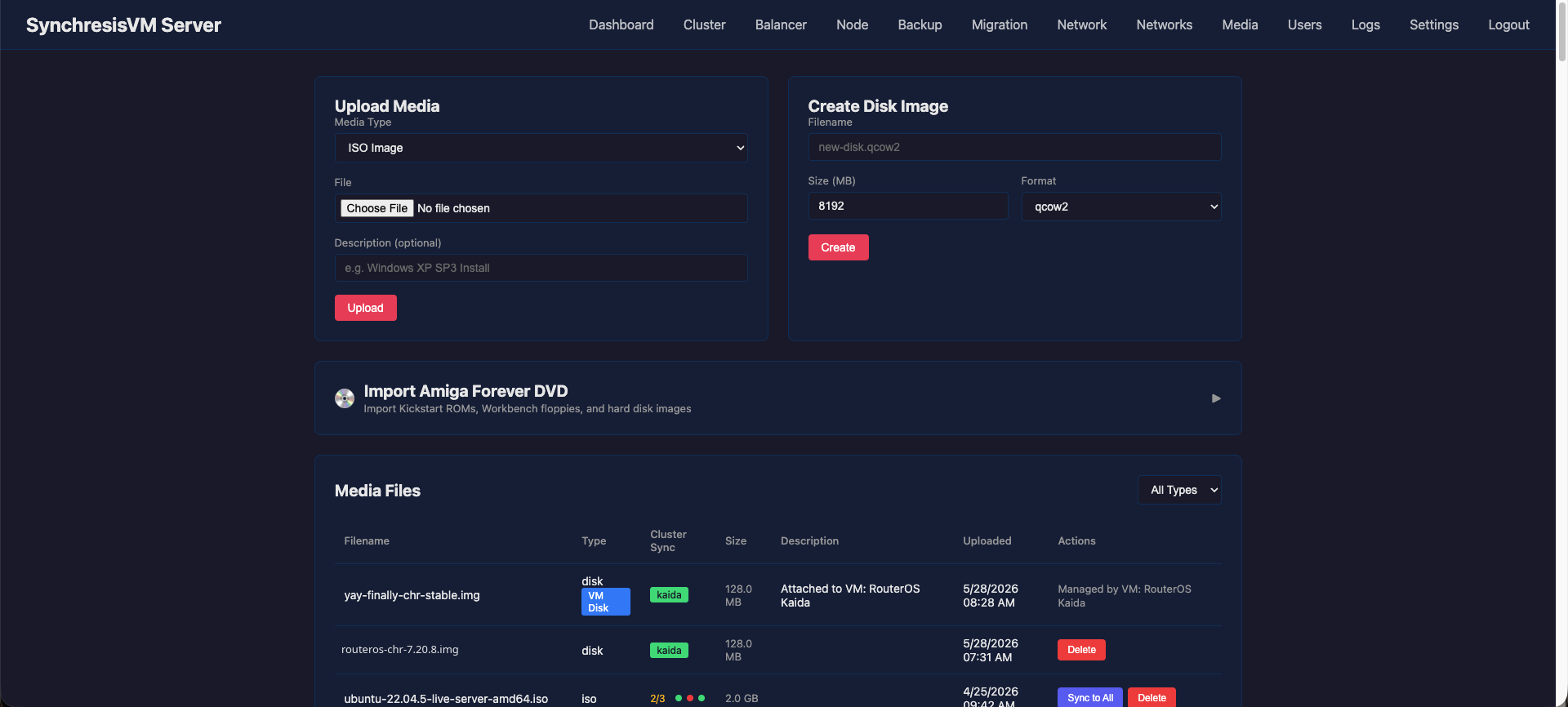
Media — ISOs, disk images and Amiga Forever imports.
Media

ISOs, disk images and Amiga Forever imports.

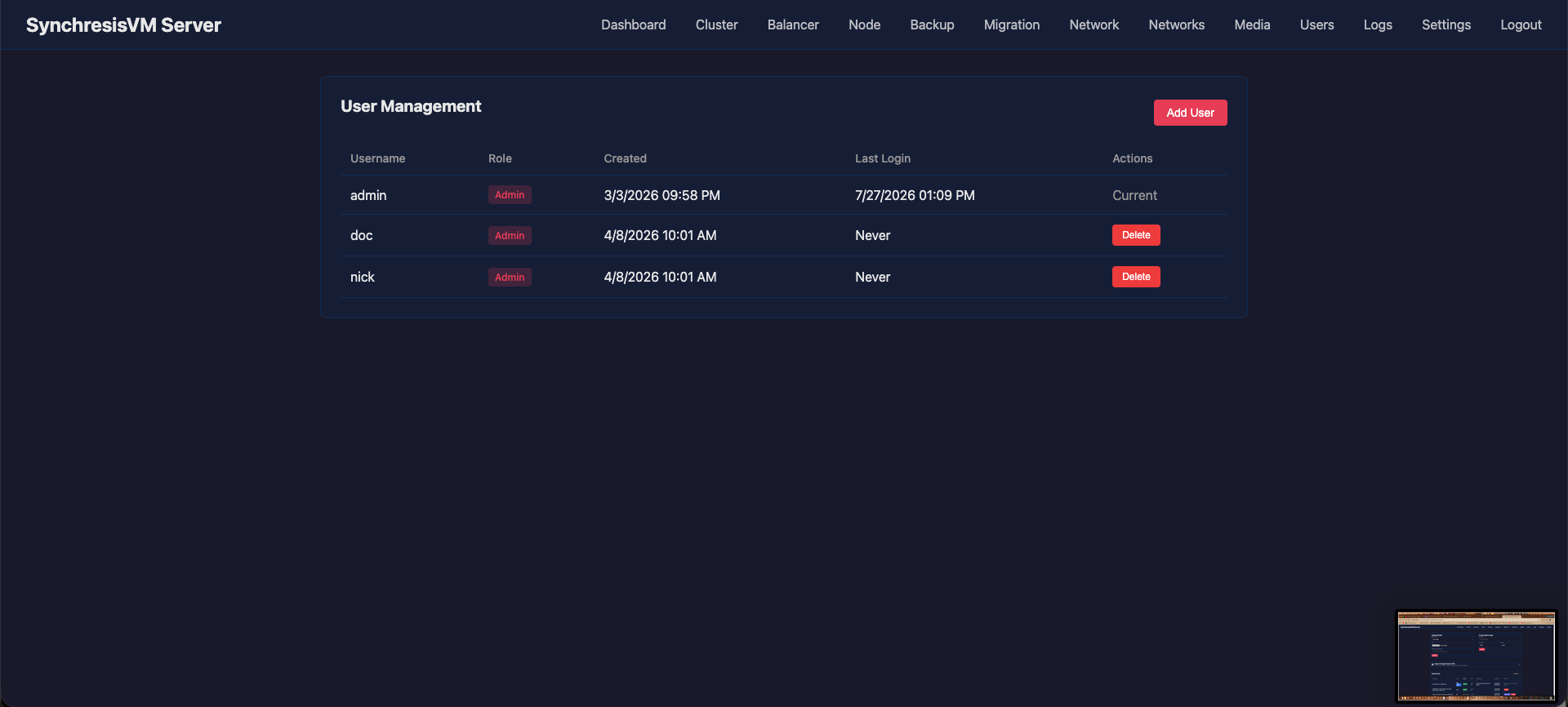
Users — Local accounts and roles.

Users

Local accounts and roles.

SyncPhone

The iPhone client.
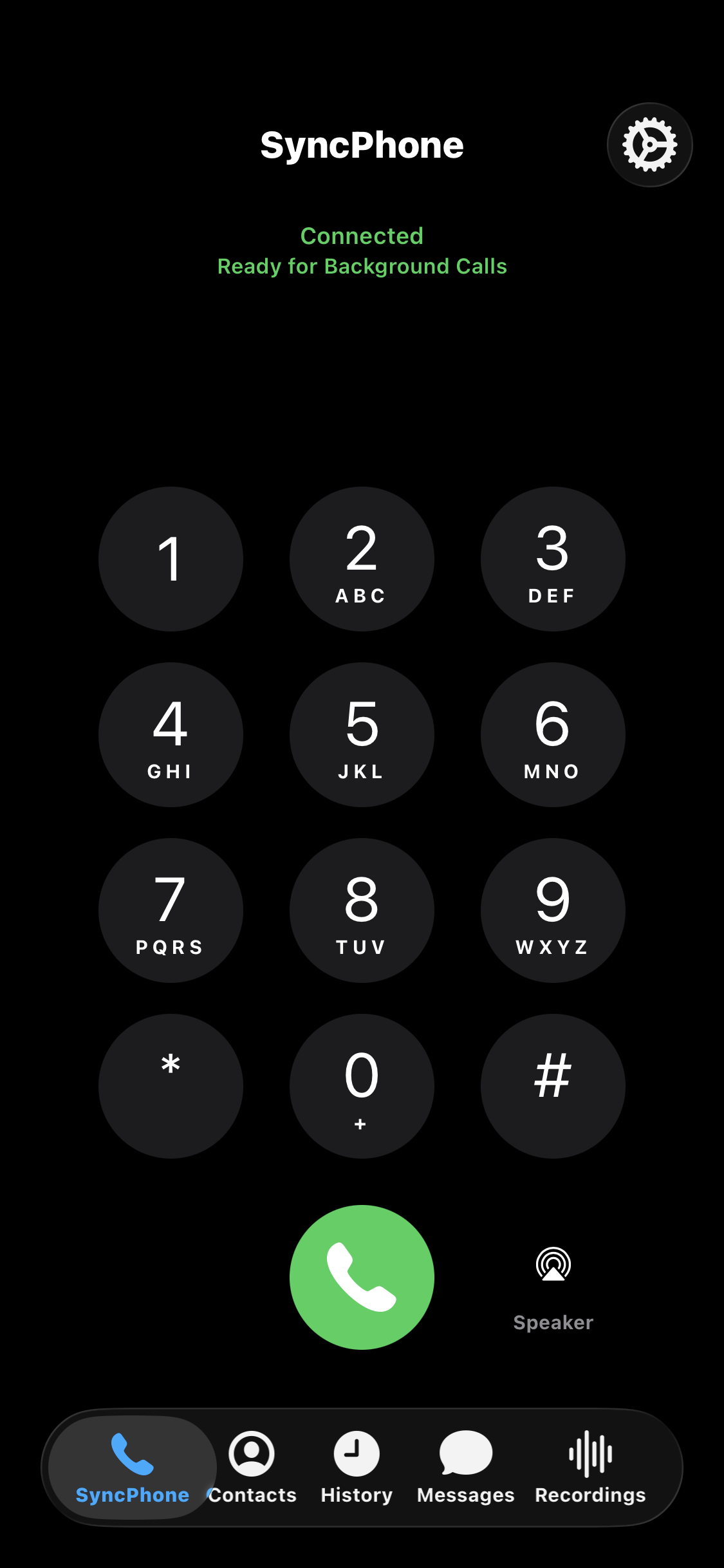
Dialpad — Registered and ready, with calls running in the background.
Dialpad

Registered and ready, with calls running in the background.

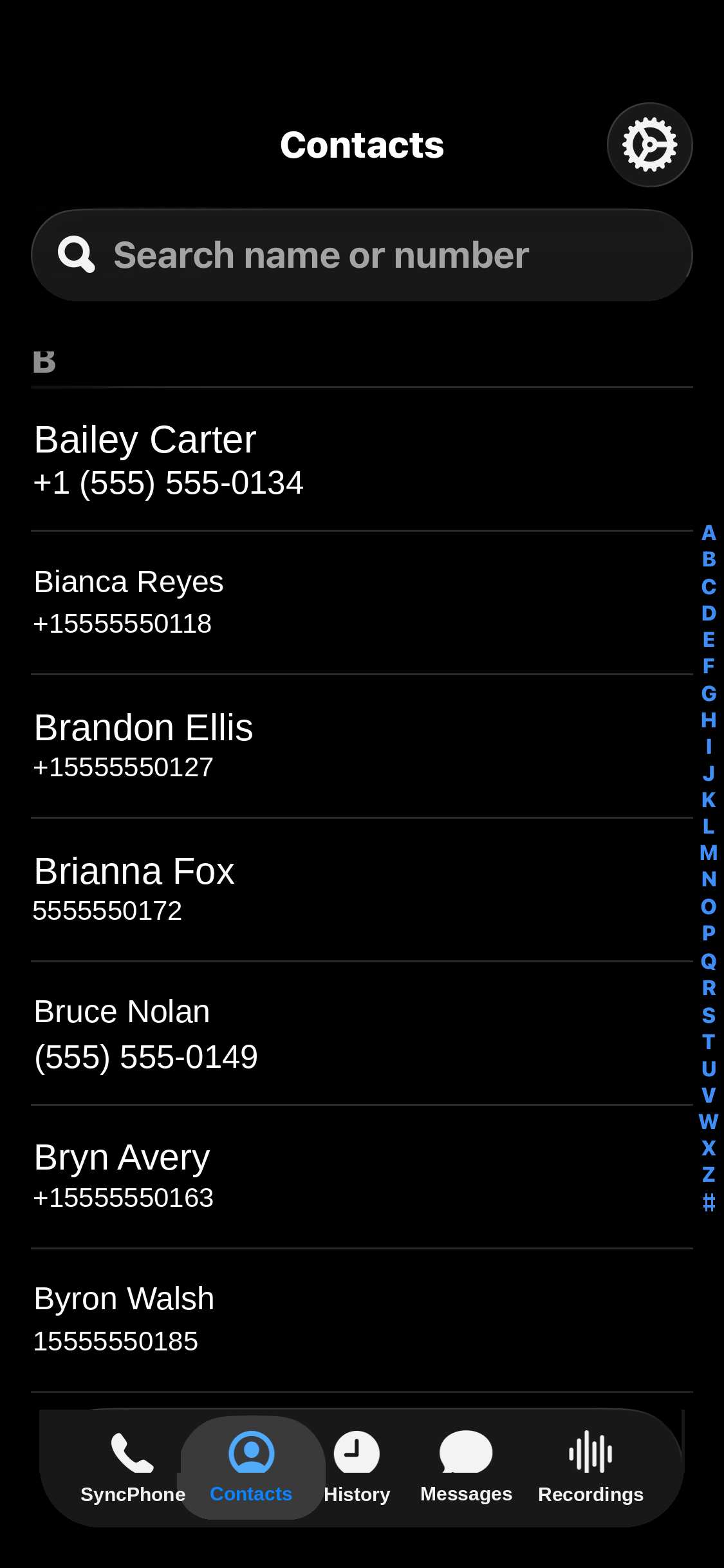
Contacts — Contacts searchable by name or number.
Contacts

Contacts searchable by name or number.

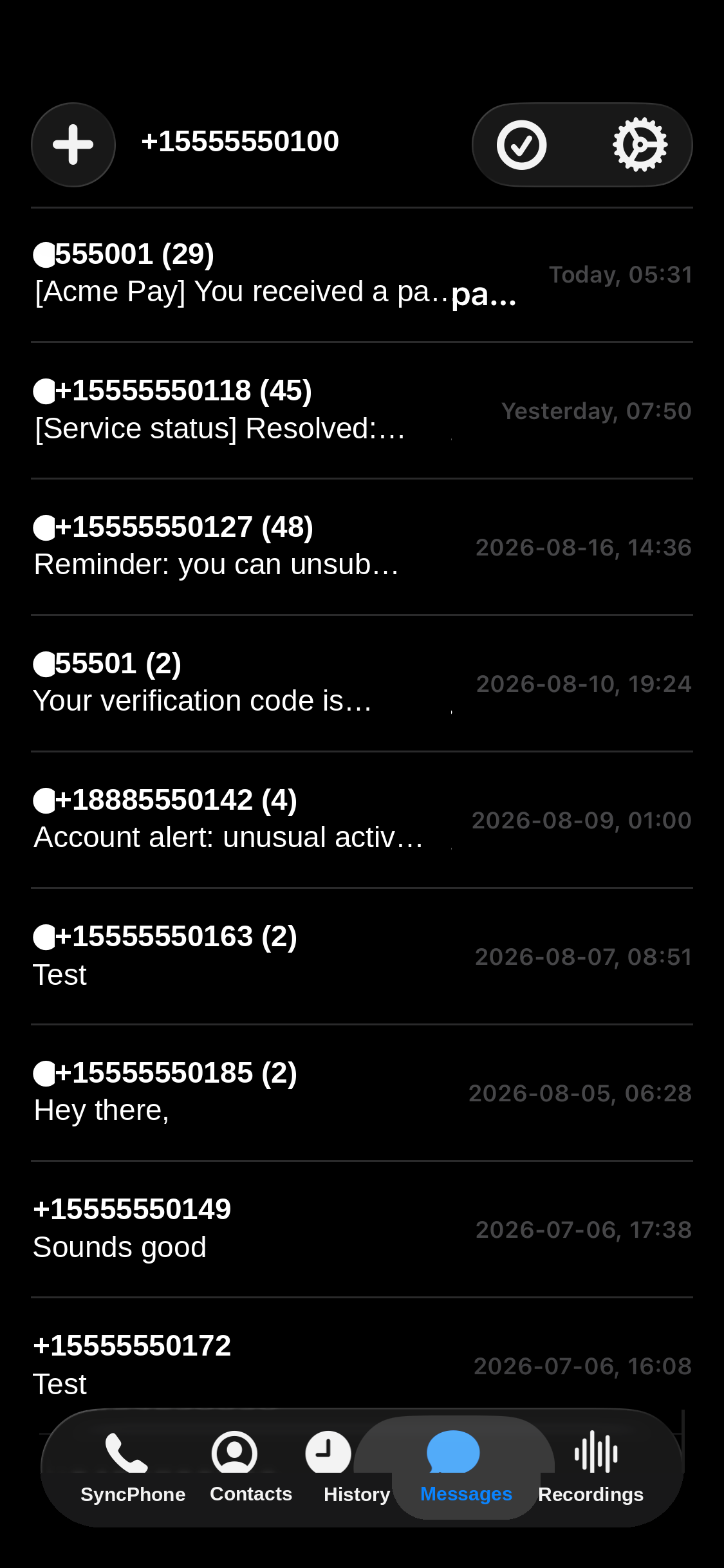
Messages — Text conversations beside your calls, with unread counts.
Messages

Text conversations beside your calls, with unread counts.

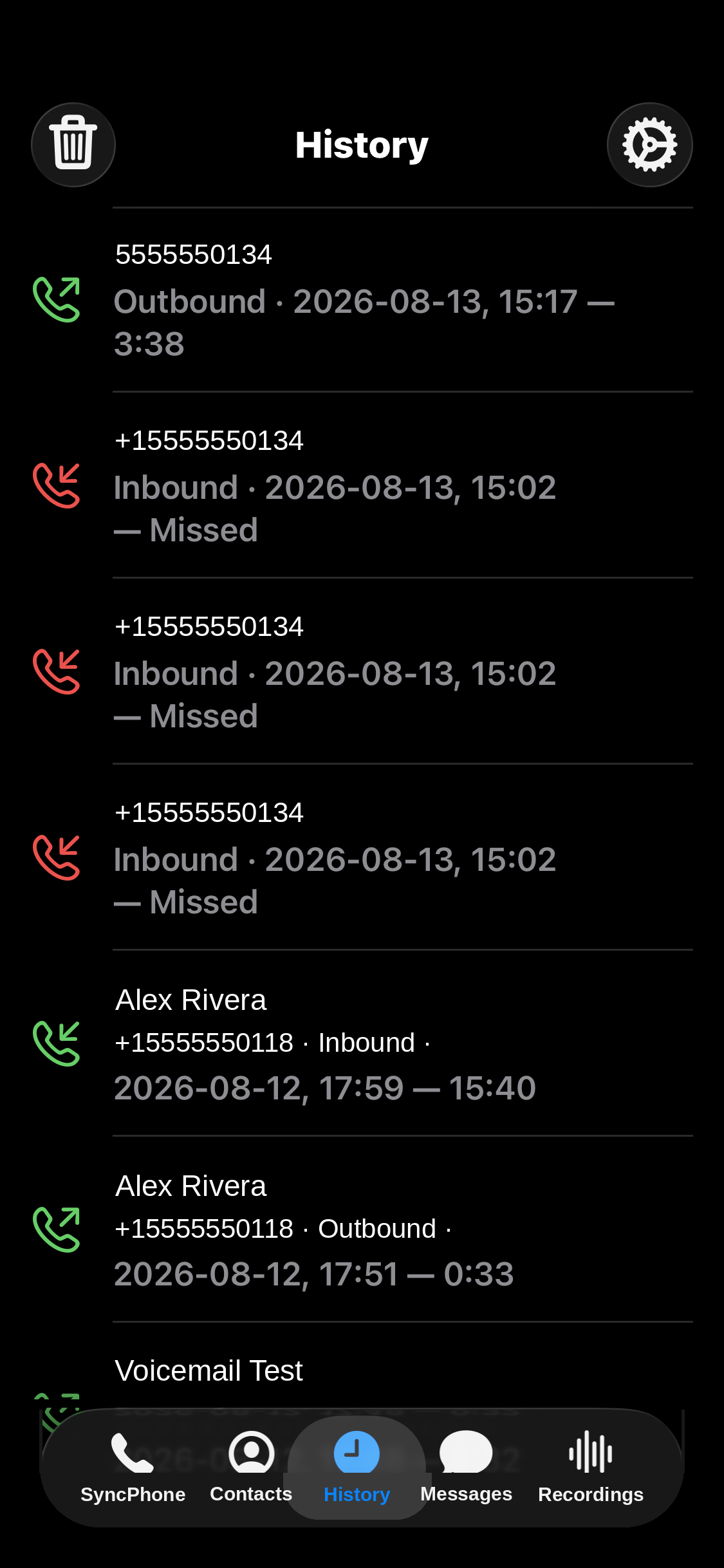
Call history — Inbound, outbound and missed, all logged.
Call history

Inbound, outbound and missed, all logged.

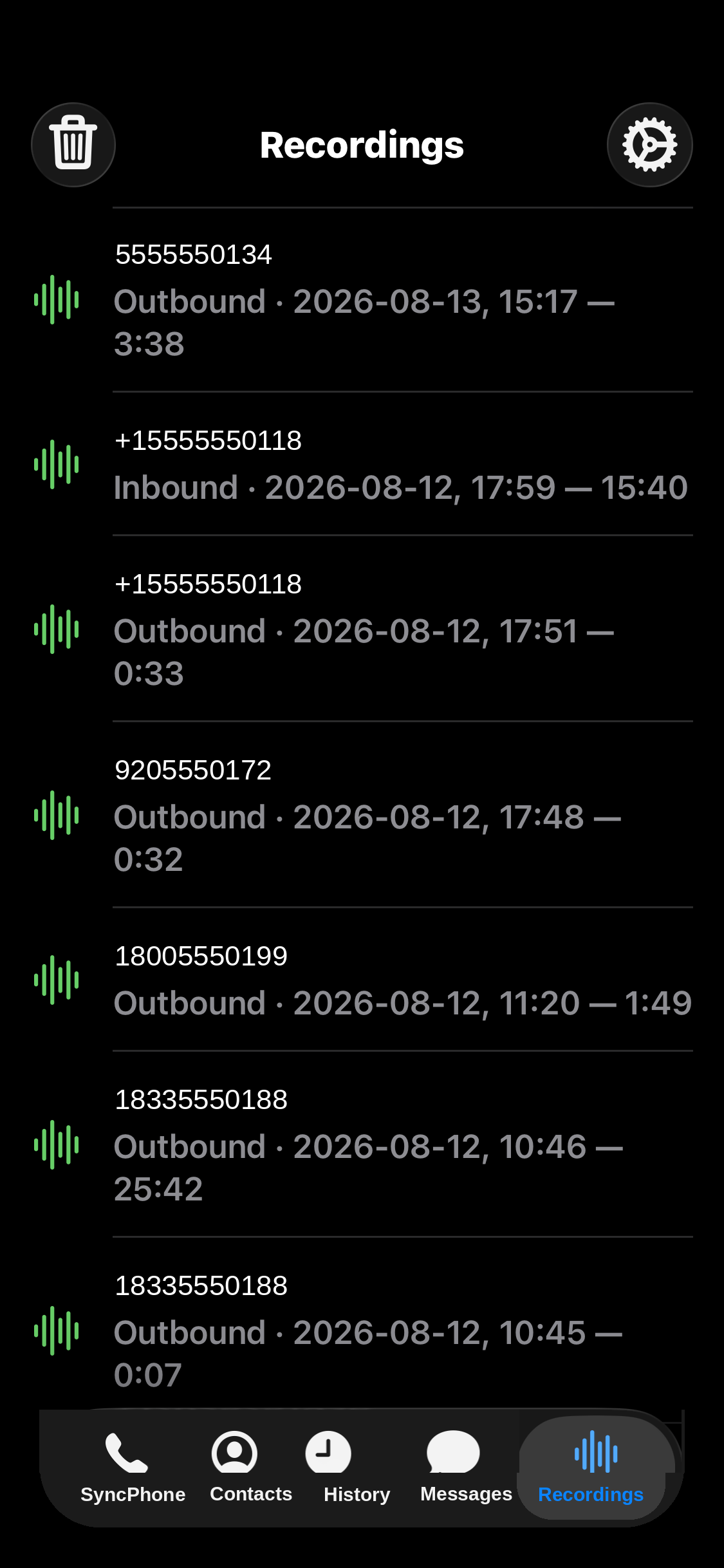
Recordings — Recorded calls kept together in one place.
Recordings

Recorded calls kept together in one place.

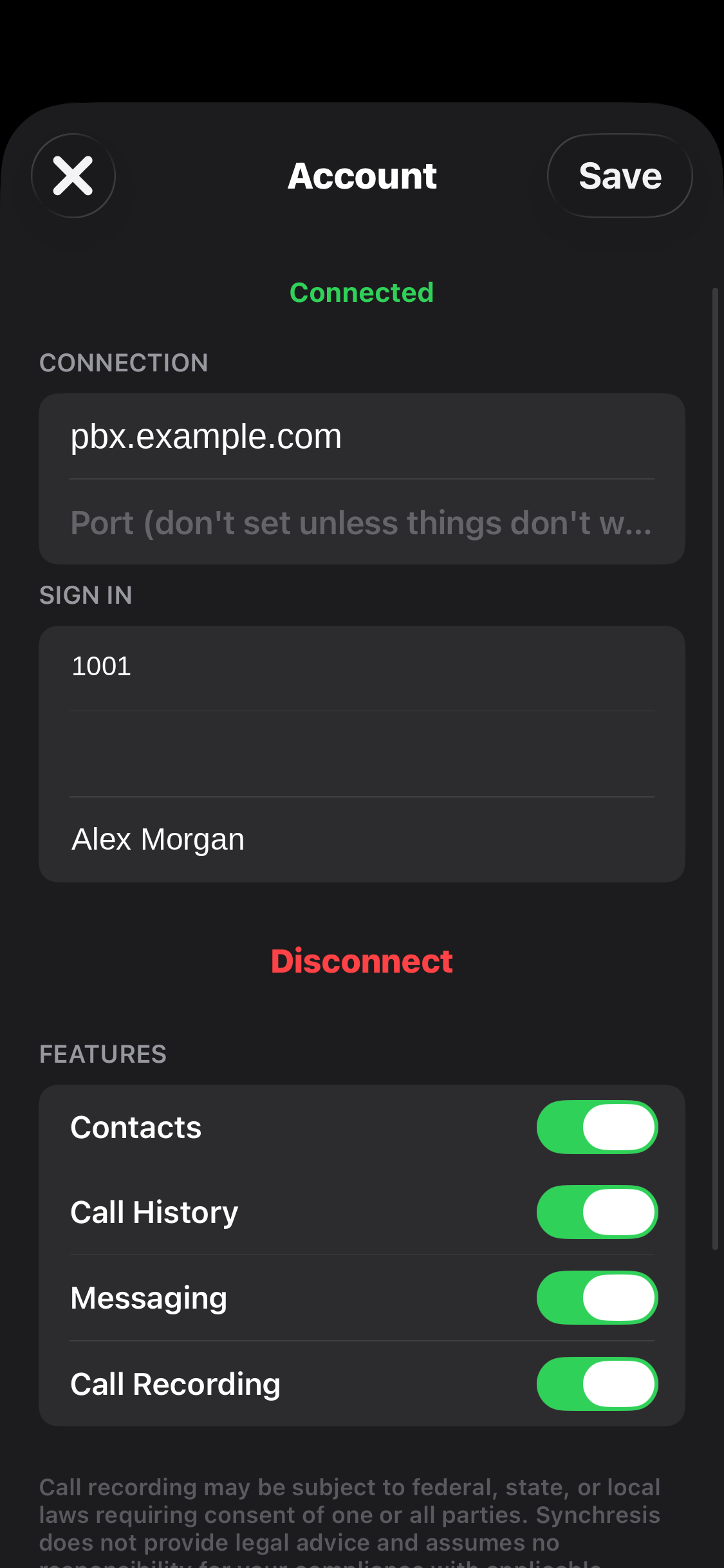
Account setup — Point it at your own PBX, or sign in and take a number from us.

Account setup

Point it at your own PBX, or sign in and take a number from us.

ParenText

Group messaging for schools.
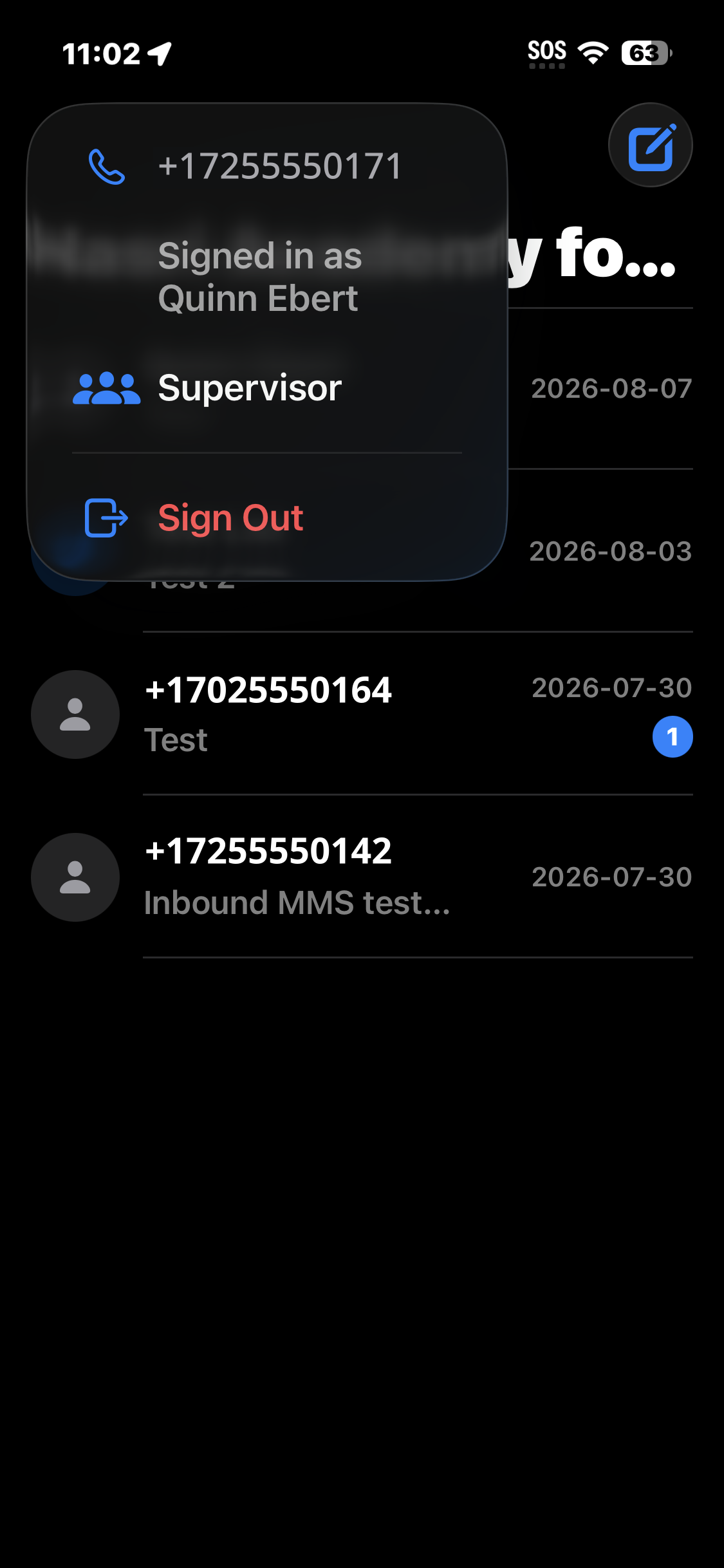
Conversations — Every thread in one list, with unread counts and the signed-in supervisor.
Conversations

Every thread in one list, with unread counts and the signed-in supervisor.

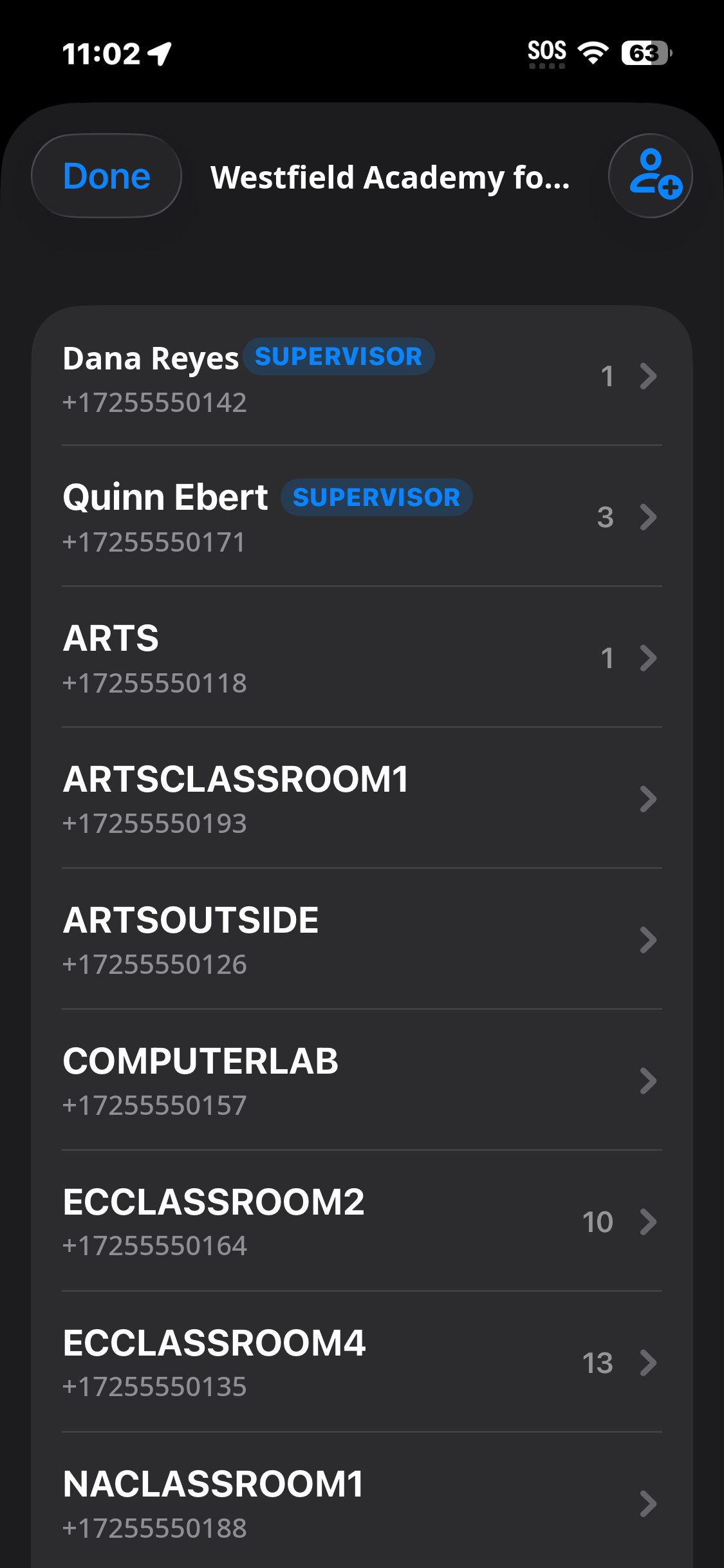
Groups — Classroom and staff groups, each with its own number and member count.

Groups

Classroom and staff groups, each with its own number and member count.

Thread — Messages to a single recipient.

Thread

Messages to a single recipient.

Picture messages — Inbound and outbound MMS, with delivery receipts.

Picture messages

Inbound and outbound MMS, with delivery receipts.

Contact

  • Contact us today

Solutions

  • Web Solutions
  • Voice Solutions
  • Technical Solutions
  • Quality Statement

Quick Links

  • Meet the Team

© 2026 Synchresis Solutions · Built and run on our own stack · Powered by SyncCMS